Maintaining Table Content
Creating and Maintaining Rows
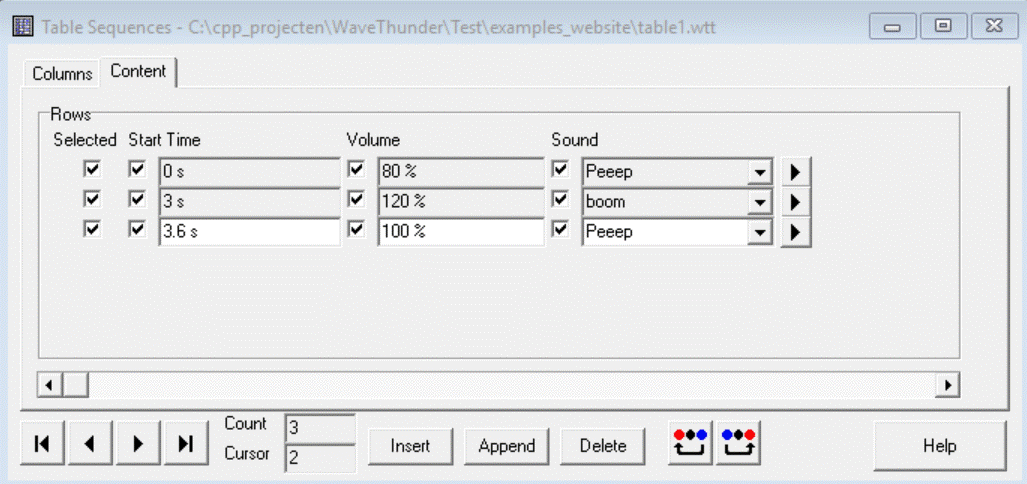
In tab "Content" you can:
- Add (Insert or Append) a new Row
- Change the value in the Row
- Delete the selected Row
- Browse through the Rows
- Move the selected Column forward or backward by the two buttons right of the Delete-button