First you need an Empty Mono Wave Window.
Now you can change then Wave Window into tha Draw Modus: for example via the menu: Make | Draw Wave Linear.
It is handy for making envelope to add horizontally lines by checking Vertical Lines under Draw Grid is the Wave View Dialogbox.
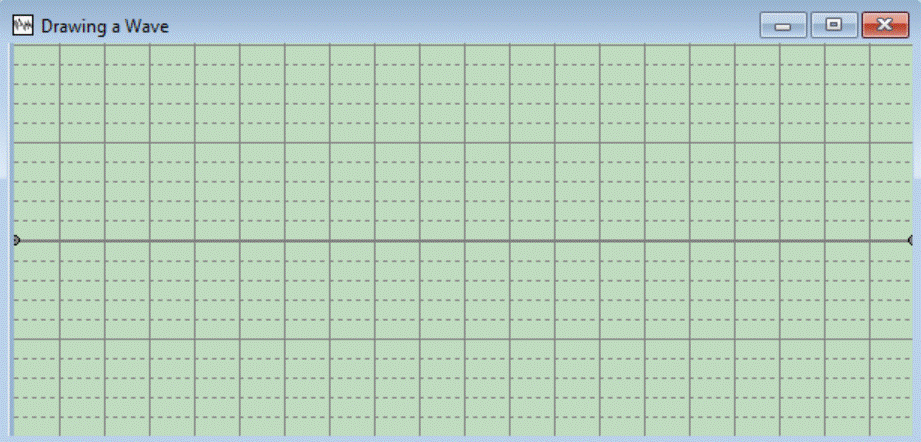
In the beginning, the length of the wave is 1 second.
There are two circles at the left and right edge of the
window, these are called "Nodes". You can only move these nodes vertically not horizontally. You can add Nodes by clicking on the area. You can move nodes by dragging them. You can delete them by dragging them horizontally outside the Wave Window (throwing away).
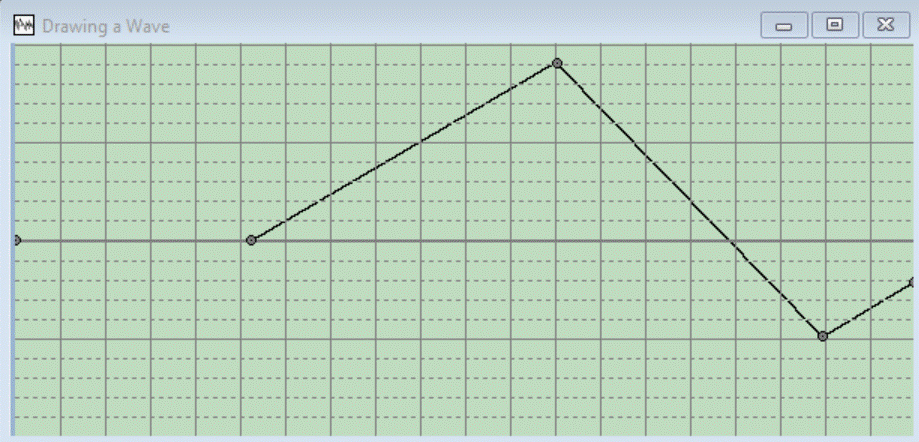
After adding three Nodes and moving the last Node downwards, you can have this:
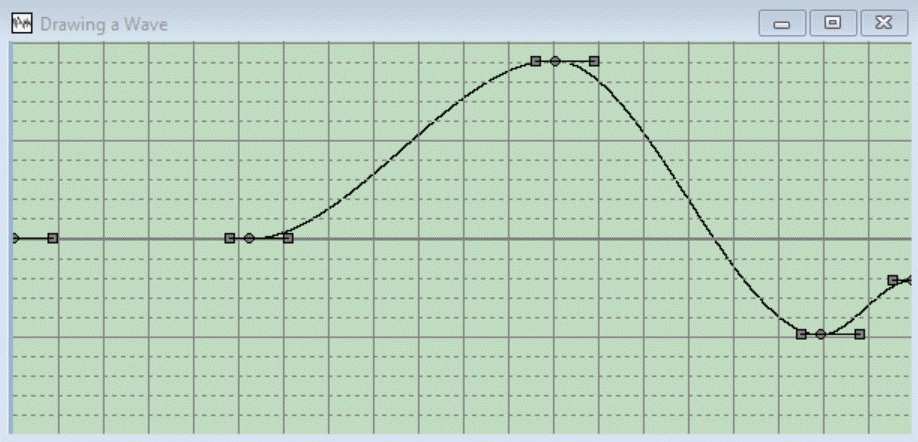
While you are busy drawing the wave, you can switch between three Draw Modes without loosing information. You In the menu you can choose a new Draw Mode under Make | Draw Wave <mode>. If you choose for example Draw Wave Smooth Bending Points, the Wave is drawed differently with new possiblities:
The Wave consists of straight lines between Nodes:
The Wave consists of parabolic curves between Nodes, the ends of the curves (at Nodes) are always horizontally:
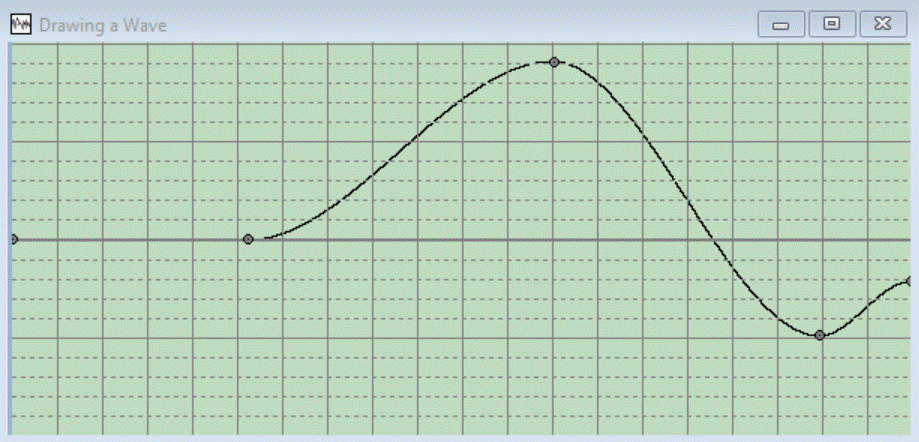
Draw Mode Smooth Bending Points
The Wave consists of parabolic curves between Nodes, but the ends of the curves (at Nodes) are
not always horizontally:
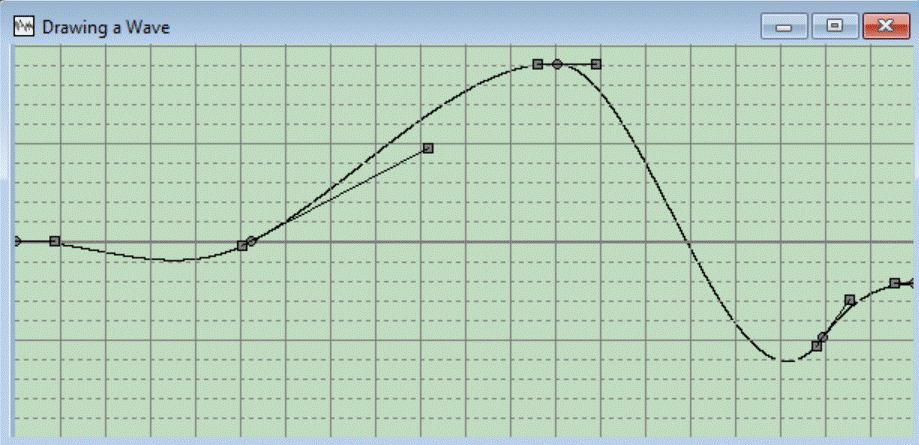
You can change the angle of de curve at the Nodes by dragging the rectanges nearby the Nodes. A straight lines is drawed between the two rectangles. The angle of this lines defines the angle of the currve at that Node.
Manipulating Waves while Drawing
Some Changing Wave functions are enabled while drawing:
- Change Length
- Reverse Wave
- change volume
- Maximaize Volume
- Move Wave Vertically
- Normalize Wave by Move Wave Vertically
Other possibilities while Drawing
You can Save the Wave including all Drawing Properties, so you later can continue this in the draw mode. The Wave itself is stored into a .wav-file, all other information into a .wtw-file.
You also can zoom, scroll, move the splitter:
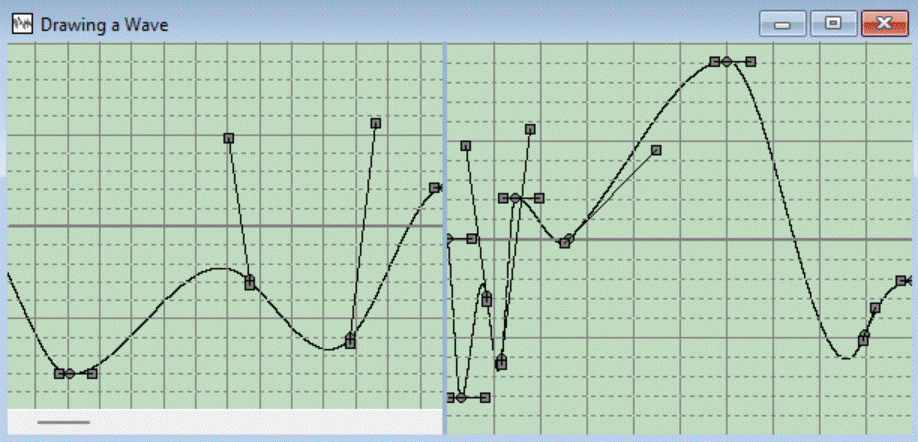
You can make a Duplicate of of the Wave in Draw Mode, the duplicated Wave is a "normal" Wave.
You can exit the Draw Mode and continue as a normal wave with many functionality, by selecting the same Draw Mode Again.
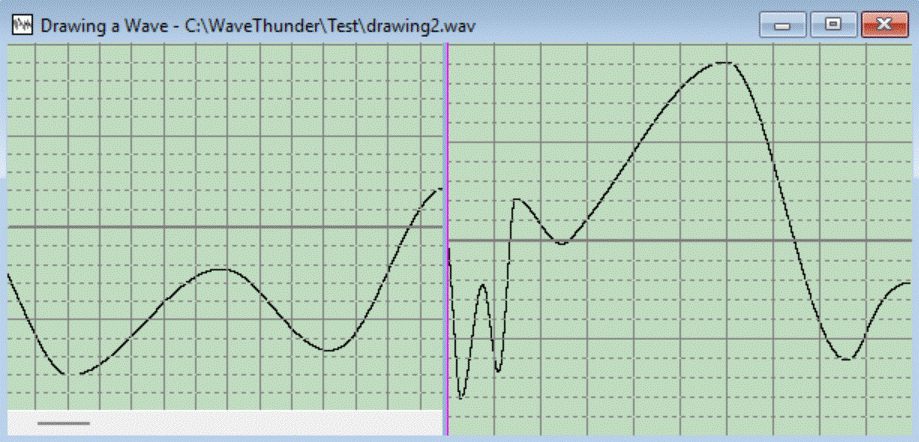
You cannot revert to Draw Mode again.
Last updated: 20-12-2025