Each Wave loaded in the WaveThunder is stored into a Wavwe Window, also called a
Wave Unit.
At any time you can change the properties of the wave (Sample frequency, mono/stereo 8/16 bits). Samplefrequencies of 88 kHz and 176 kHz are usefull to minimize distortion caused by manipulating waves. When the Sample frequency changed the wave itself
is adapted so the speed will be the same. In memory waves are always store as 16 bit waves.
Creating new Wave Windows
You can easily create new windows. When you create a new wave window, you must first specify wave properties.
The new wave window is empty. The new music window has minimal content.
You can open wave and music files by a normal way using a dialogbox.
You can save changes into the corresponding opened files.
You can also save wave and music into another file by using a dialogbox.
After opening a wave file, you can revert the unsaved changes easily.
You can Play or record waves. You can also select a part of the wave and play that piece.
You can also play (a piece of) a wave that has a low volume, at a high volume.
When a filled Wave Window is selected:

When a empty Wave Window is selected:

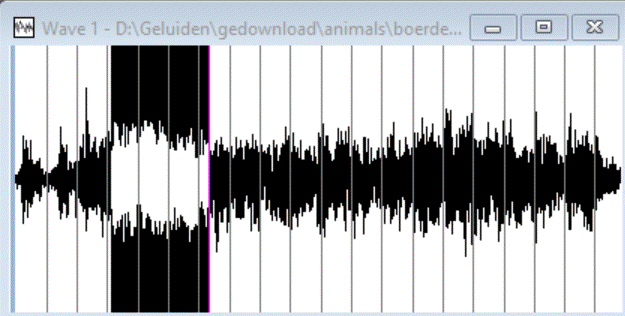
With the mouse, keyboard or dialogbox you can select a part of the wave:
The WaveThunder has a local Clipboard where you can copy, cut, paste, swap and extract parts of the waves.
With one press on a button a clone is made from a current wave.
Last updated: 11-12-2025