Combine Views
Use another wave as background wave
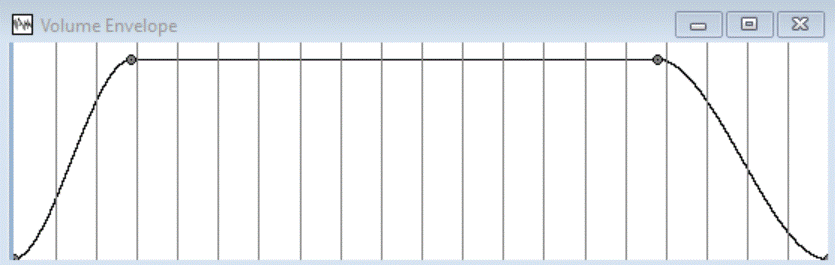
and wave as a volume envelope:
Select the Wave Window "Volume Envelope", and choose in the menu: View | wave... .
You get the following dialogbox:
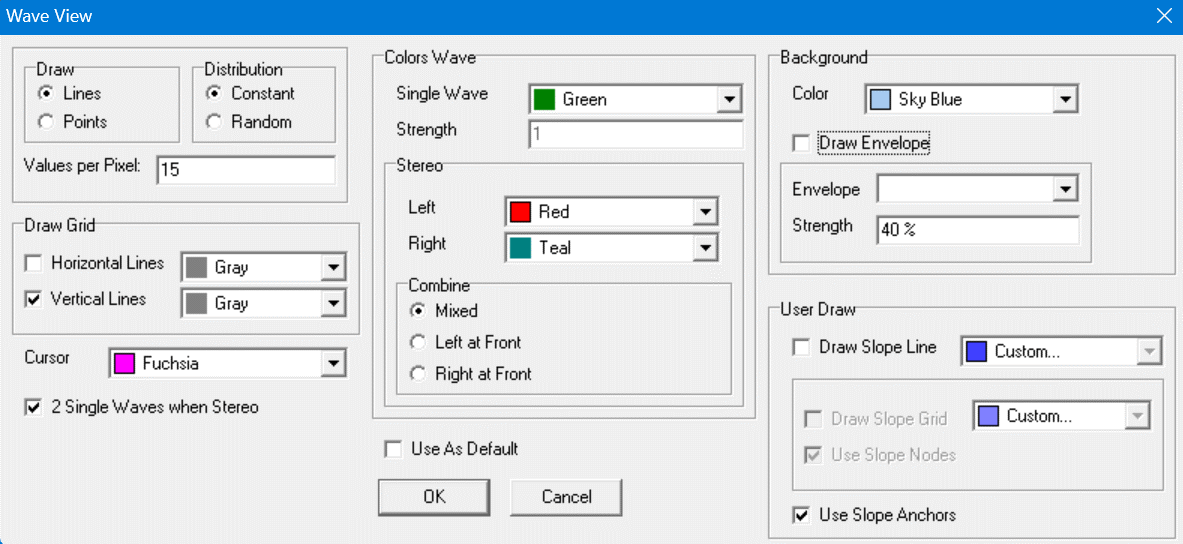
You can replace the white background partially by the normal wave.
In the dialogbox choose the name of the window of the real sound in Envelope under Background. You can choose what the strength of the background is in field Strength under Background. After [Ok] the envelope wave looks:
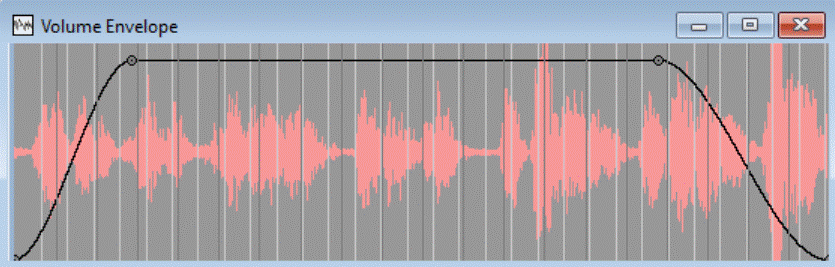
The background is always updated when the wave changes, or the view properties of the wave window changes.
Because the envelope applies to the selected part of the wave,
the selected part of the wave is used for the whole background of the wave.
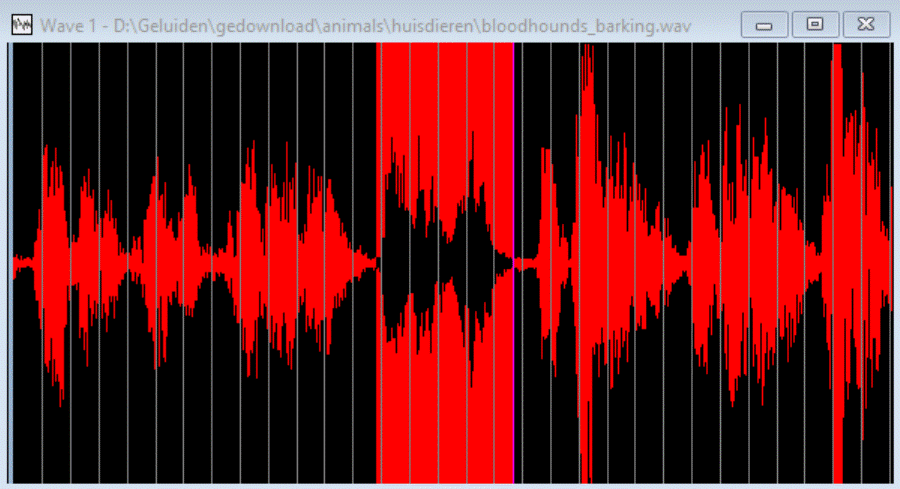
The selected part is visible to the background:
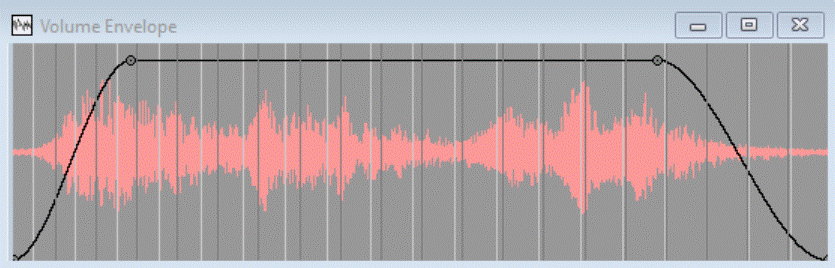
When using the background, you can still do anything with the wave.
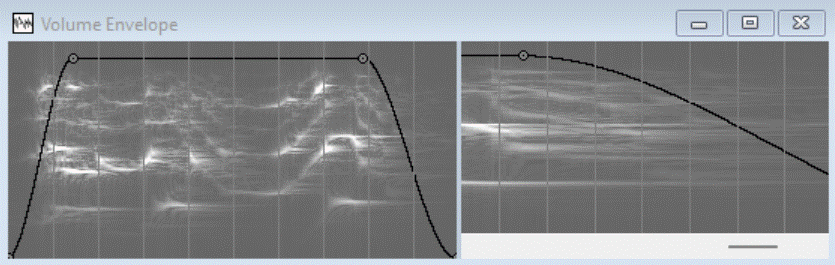
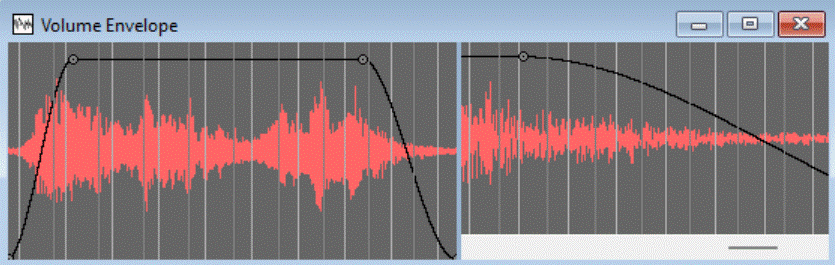
Here the envelope is changed, the splitter is moved, and the right view zoomed in,
the background is made stronger:
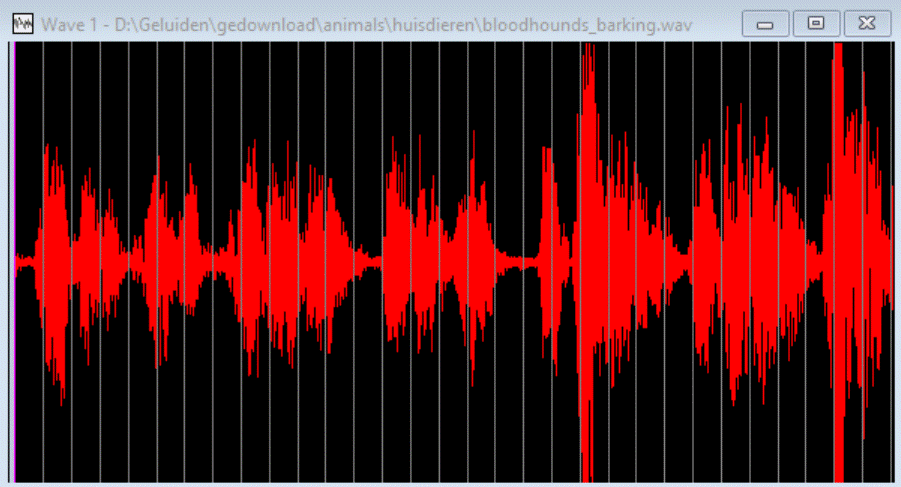
You can also select another background, for example of wave:
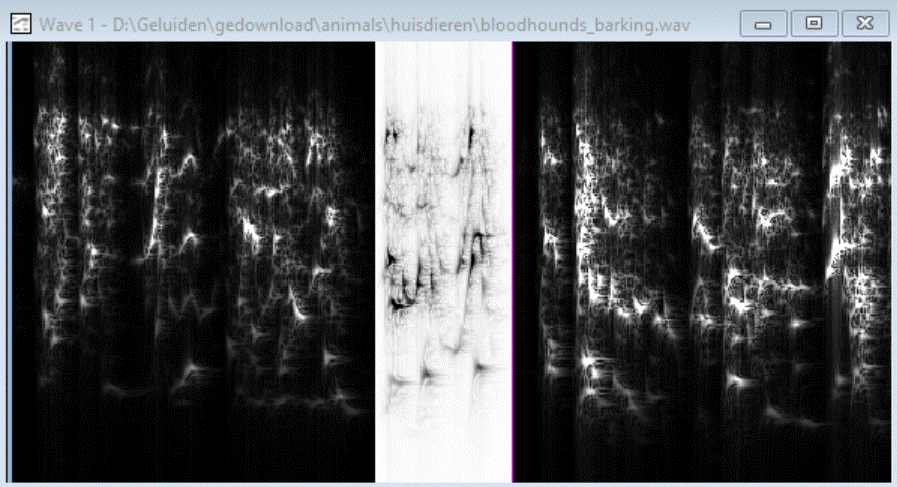
The result: