Frequency Views
Make a Frequency Volume Diagram
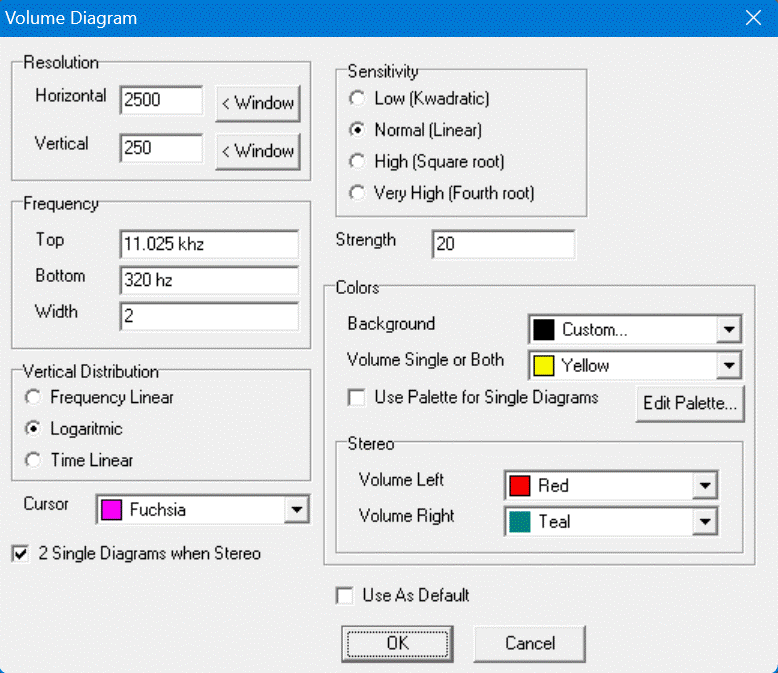
You can show this dialogbox via the menu View | Volume....
After changing the content, press [OK].
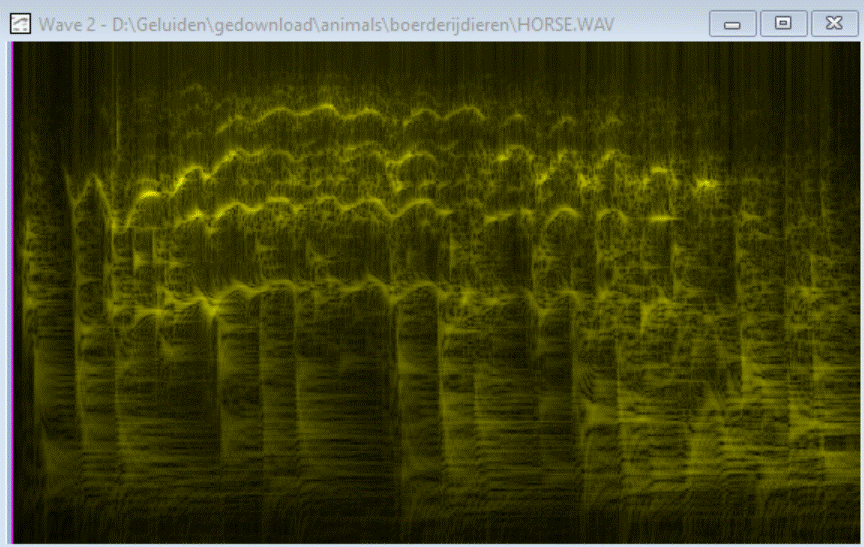
Here is a Volume-diagram of a running horse, vertical lines are footsteps, the few horizontal lines is the sound of the horse.
Colors
If the wave is stereo you can choose to draw the wave of each channel seperatedly or together by option 2 Single Diagrams when Stereo.
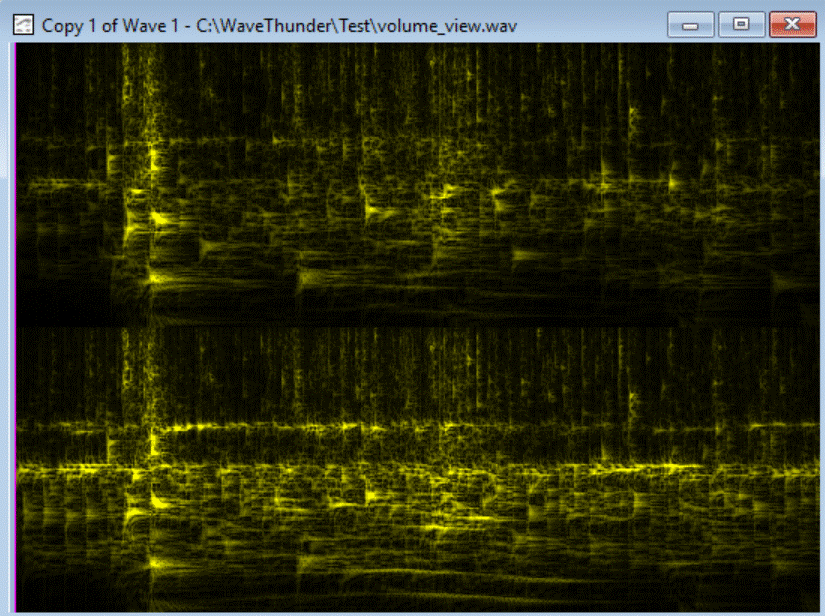
Here the two waves are drawed seperatedly.
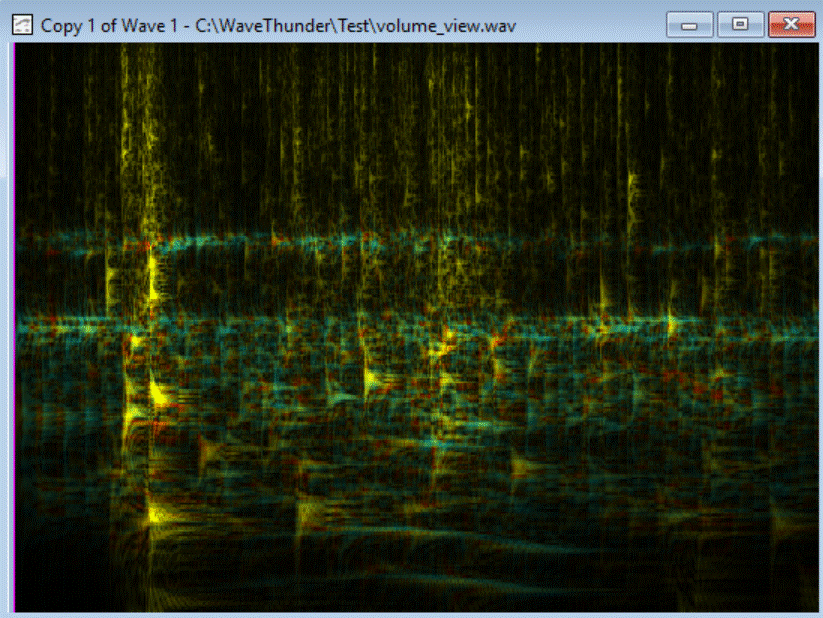
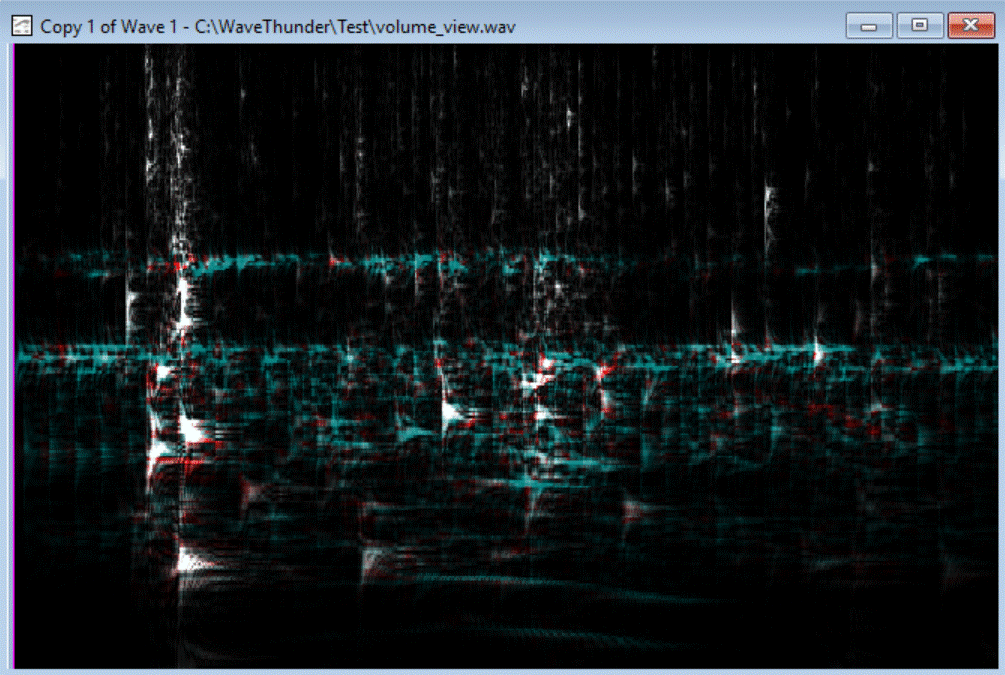
Here the two waves are drawed together. For the left channel color red is used: Volume Left under Stereo under Colors. For the right channel color teal is used: Volume Right. For high volumes at both channels at the same time color yellow is used: Volume Single or Both.
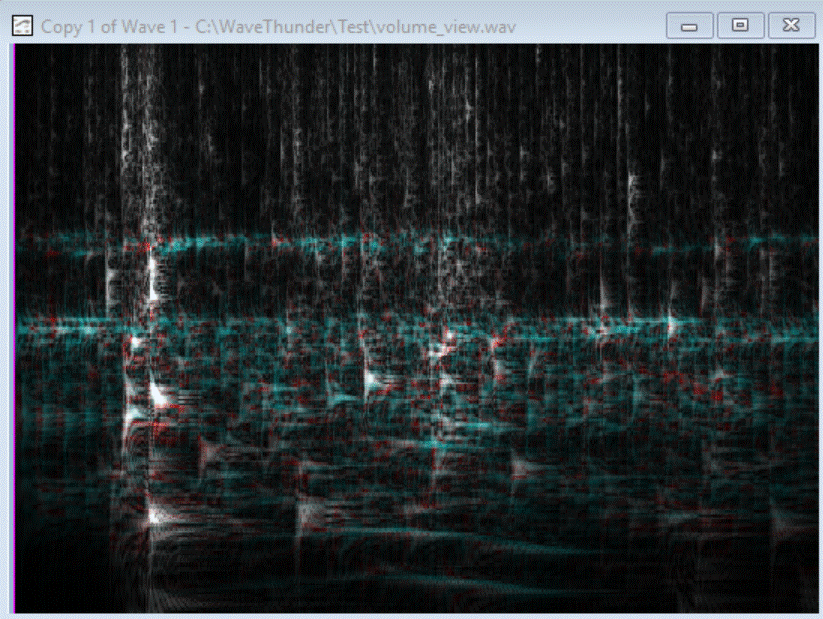
When you change Volume Single or Both from yellow to white you get the following view:
Scaling
The Following Wave View has a Linear Frequency Scale:
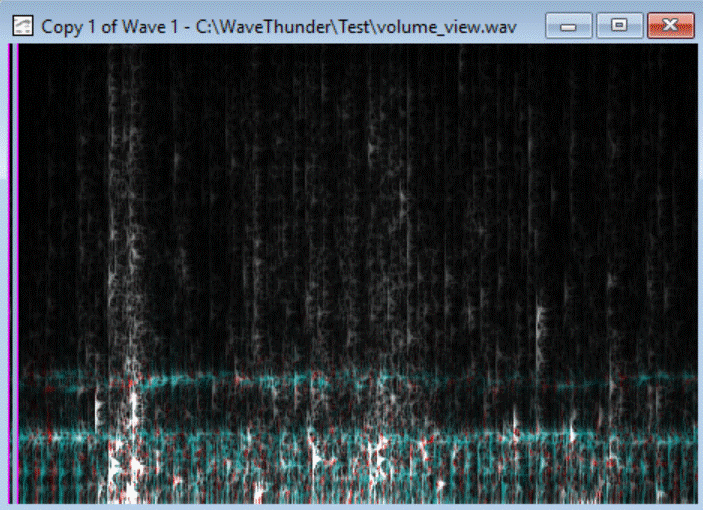
Choose Frequency Linear under Vertical Distribution. Here you zoom in at the high frequencies.
And following Wave Viwe has a Time Linear Scale:
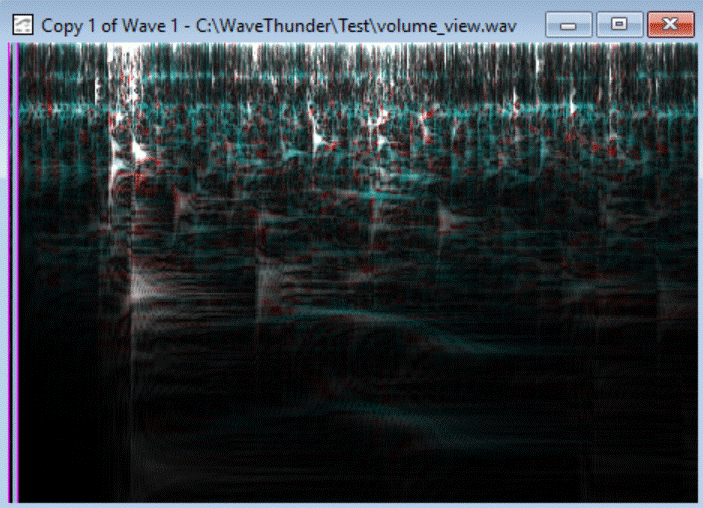
Choose Time Linear under Vertical Distribution. Here you zoom in at the low frequencies.
Contrast and Brightness
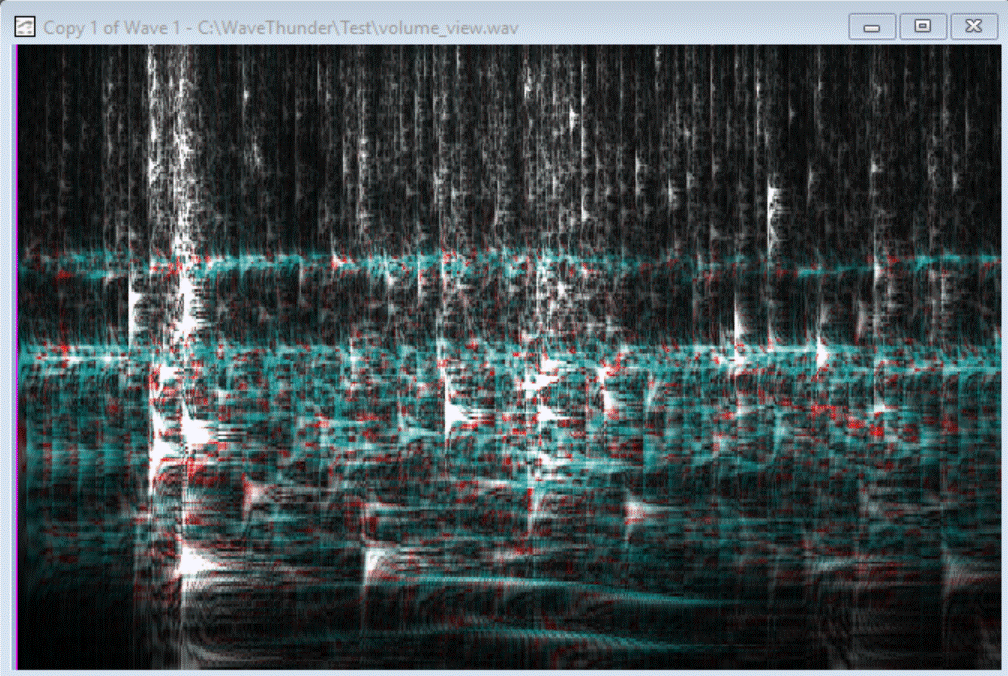
To lighten up the more dark parts, to increase the Sensitivity to High or Very High, in most times you need to decrease Strength to avoid overlighting:
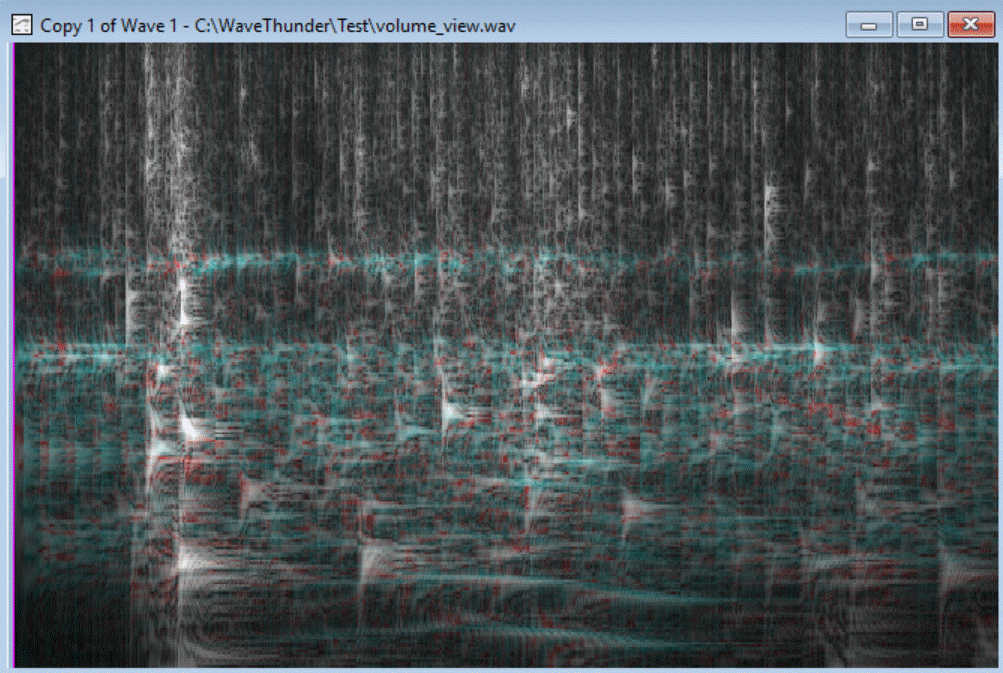
To darken the more dark parts, to deccrease the Sensitivity to Low, in most times you need to inrease Strength to see someting:
Use Color Palette
to apply a Color Palette, check Use Palette for Single Diagrams or press Edit Palette....
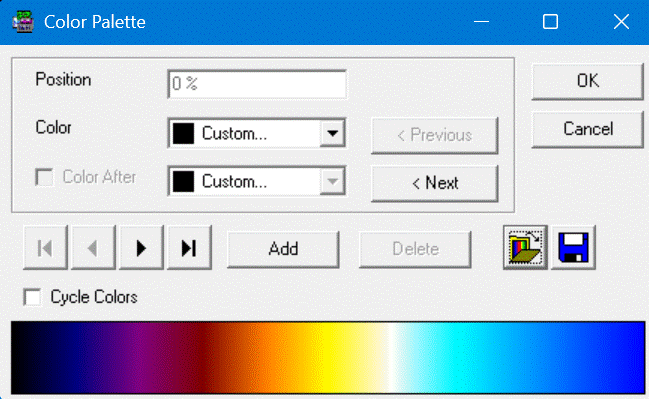
You get this Color Palette for example by loading a Color Palette File.
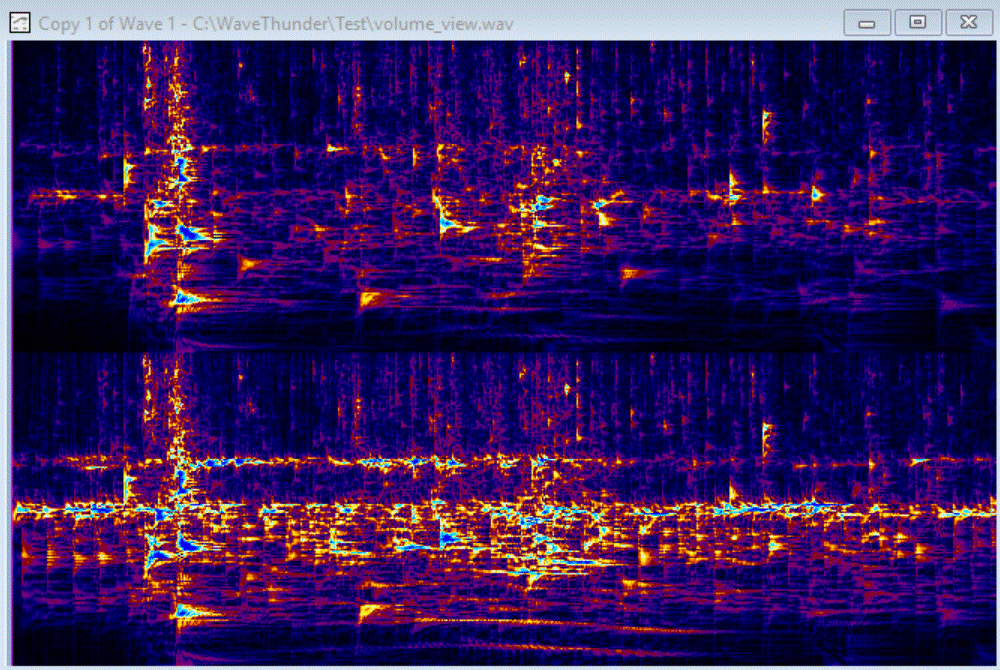
After applying the palette to the volume diagram: