Wave View
You can change the Wave View by the following dialogbox:
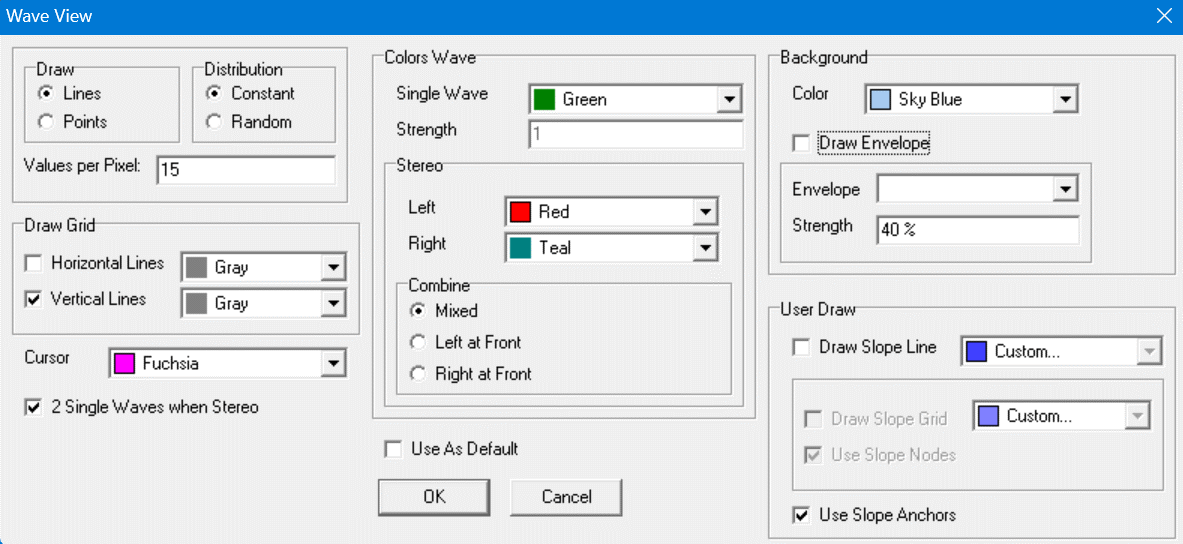
You can show this dialogbox via the menu View | Wave....
After changing the content, press [OK].
Changing the Dense
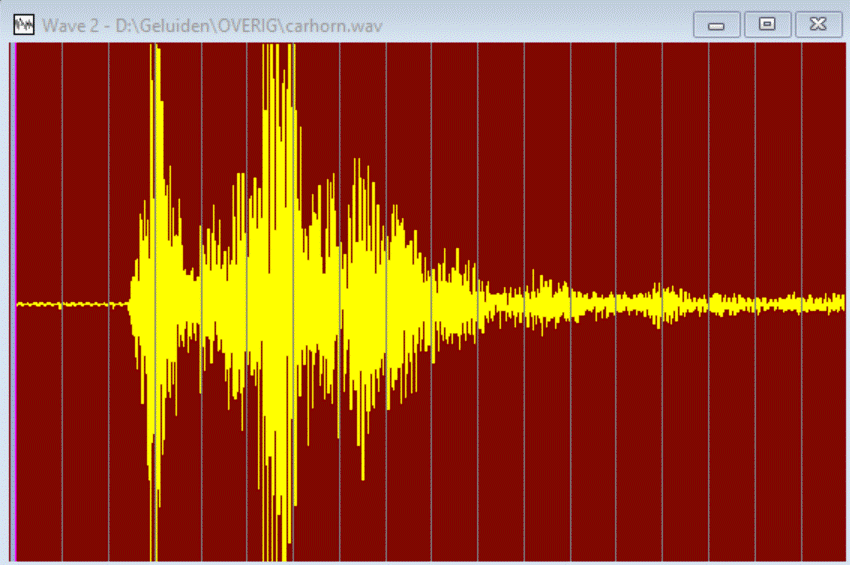
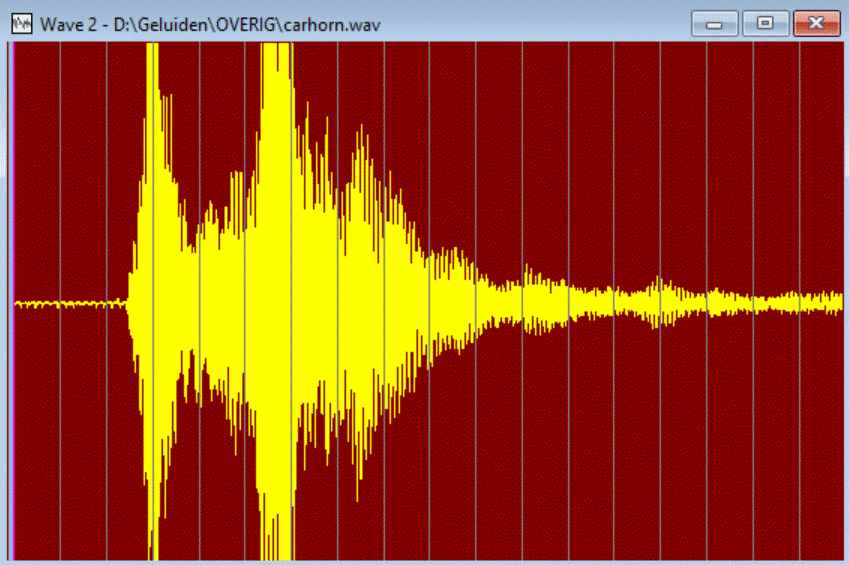
The left Wave View has a low Dense, the right Wave View has a high Dense.
Changing to Pixels instead of Lines, specify strength of Pixels
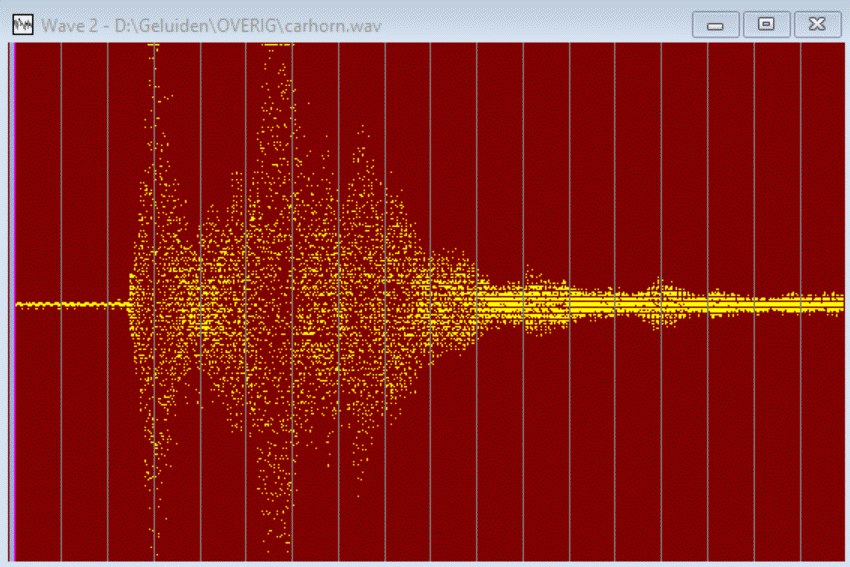
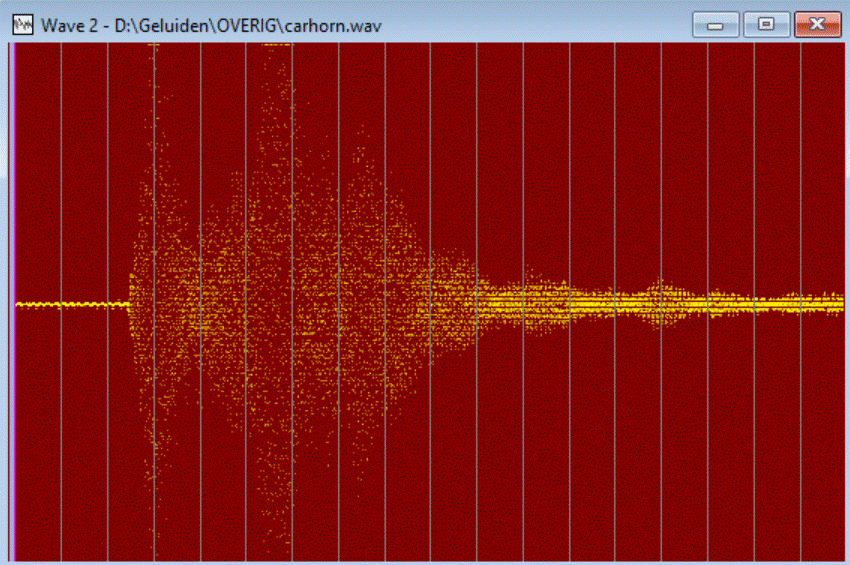
These Waves use pixels instead of lines. The left Wave View has a high strenth, the right Wave View has a low strength.
Viewing Stereo Waves
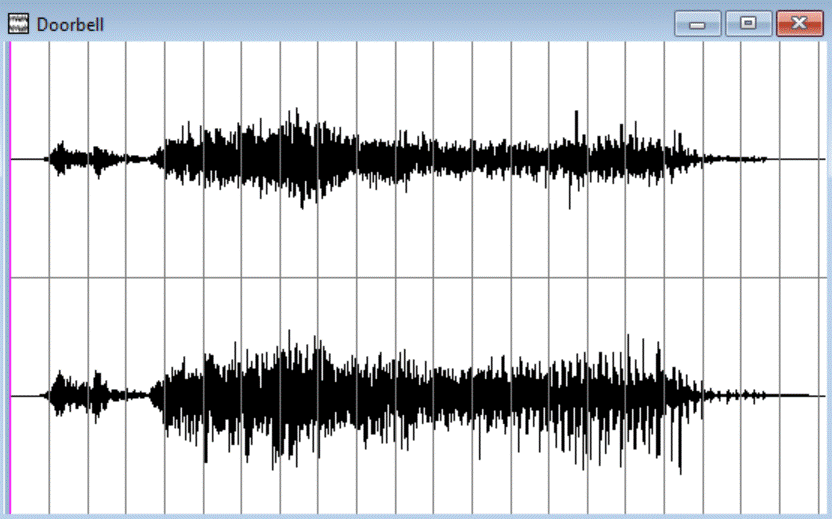
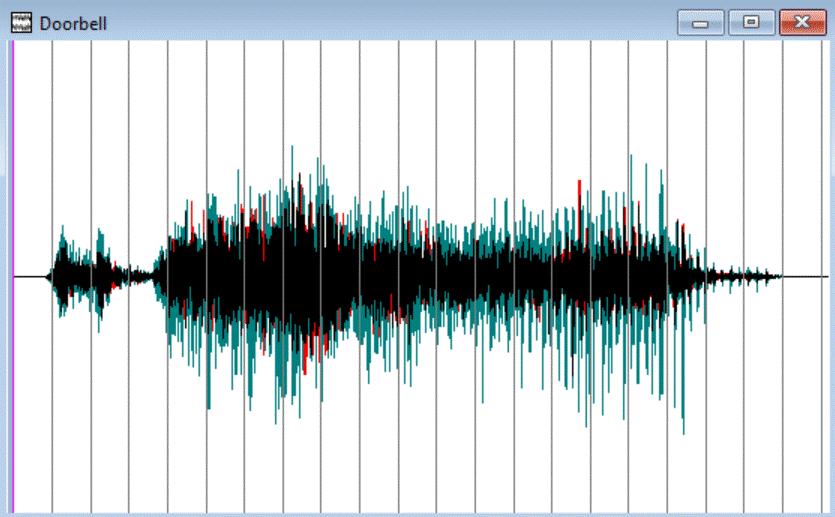
Simply (un)check the checkbox 2 Single Waves when Stereo.
You can give a Wave of each channel a own color. Choose Colors at Left and Right under Stereo under Colors Wave.
Instead of Mixing the colors, you can specify which Wave (left or right channel) is drawed more at the front:
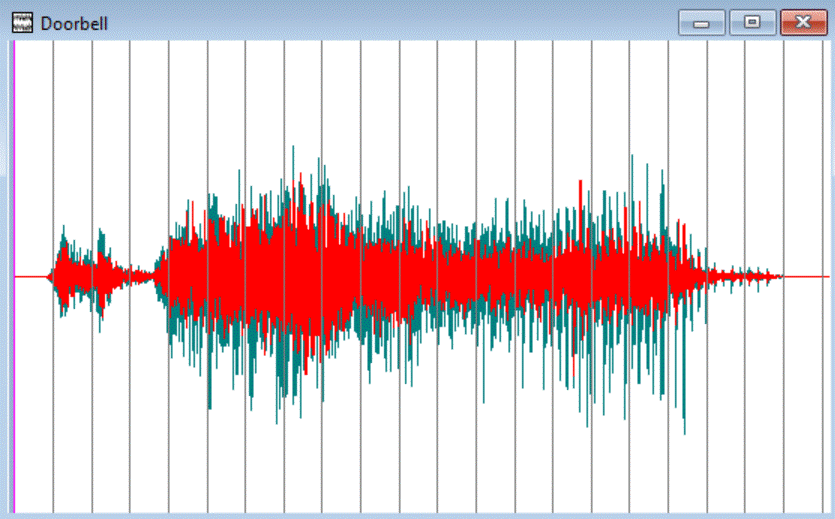
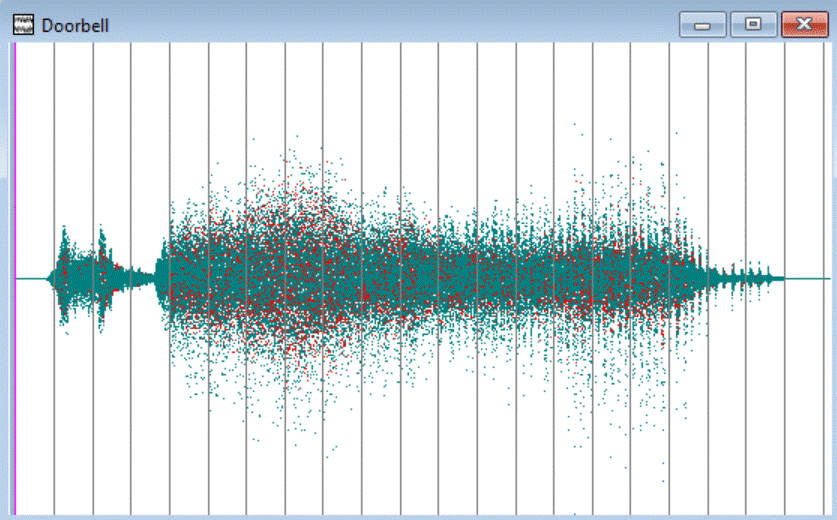
In the left View, the Wave of the left channel (red) is drawed at the front by choosing option Left at Front (under Stereo under Colors Wave), option Lines is also choosen. In the right View the Wave of the right channel is drawed at the front by choosing option Right at Front, option Points is also choosen, and a high value at Values per Pixel.